Your cart
Your cart is empty
Continue shopping
Drawer menu

Interactive display
Clearer ideas. Better collaboration.
Android platform
QLED 4K UHD
50 + 5 touch points
Dual 48 MP cameras
Quad 20W speakers
Full optical bonding
EZboard Elite
Move naturally from explaining a concept to working through it together. Elite combines a bonded display and responsive multi-touch for clear, comfortable interaction.

A closely bonded screen brings your writing closer to the content beneath it.
Support up to 50 + 5 touch interaction points for shared lessons, workshops, and discussions.
Anti-glare, anti-fingerprint, and antimicrobial surface treatments support busy shared spaces.
Google EDLA
Bring your everyday apps into the classroom or meeting room. Google EDLA certification gives Elite access to Google Play services and a familiar Android app environment.
Find information for the topic in front of you.
Discover educational and professional apps.
Browse the web on your shared display.
Open the documents your team works with.
Explore places and put ideas in context.
Bring video into lessons and presentations.
One display. More possibilities.
Give teachers and teams a shared place to present, write, and connect. Choose the view below to explore everyday use or the hardware features that support a shared environment.


Keep the tools for your next lesson or meeting together on one interactive display.
Explain and develop ideas on a shared canvas.
Bring content from laptops and mobile devices.
Connect with dual 48 MP AI cameras.
Use familiar apps for work and learning.
Review documents and visual content together.
Keep conversations clear with quad 20W speakers.
Tap to lock or unlock your shared display.
Add an OPS PC for Windows 11 Pro.
Bring access, installation, and computing options into your room planning. Our team can help you confirm the right configuration.
Tap to lock or unlock your shared display.
Wake the board when someone approaches.
Anti-glare and anti-fingerprint glass.
Add an OPS PC for Windows 11 Pro.
Plan a wall mount or compatible floor trolley.
Discuss your room requirements with our team.
Built around your day
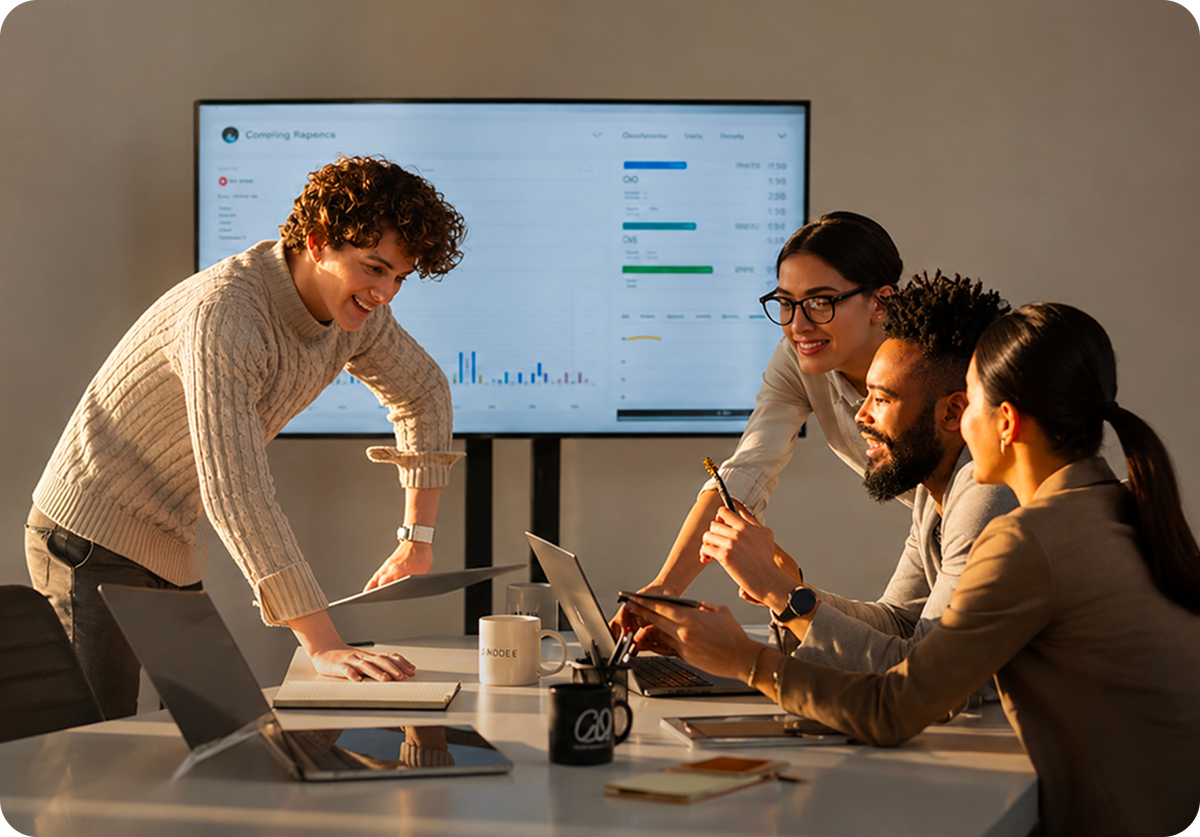
From a classroom explanation to a hybrid meeting, Elite brings the display, touch surface, cameras, and room audio into one shared workspace.

Turn individual ideas into shared work. Up to 50 + 5 touch interaction points give participants space to contribute.

Bring remote participants into the room with intelligent facial and voice tracking for clear video communication.

Use Google Play services and familiar Android apps for lessons, presentations, and everyday work.
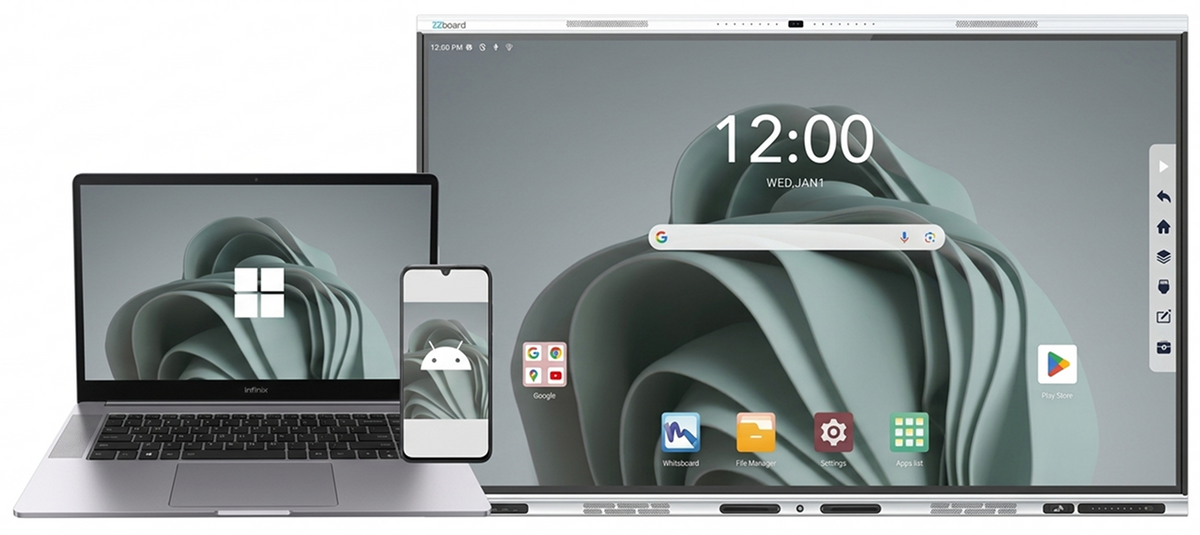
Put documents, presentations, and visual content from personal devices on the shared display.

Fill the room with clear audio for presentations, learning resources, and remote conversations.
Tap to lock and unlock the display, and wake it when a user approaches.
Interactive whiteboarding
Turn lessons, planning sessions, and discussions into something everyone can see and contribute to.
Write, explain, and develop a shared understanding.
Use documents, images, and web resources in your session.
Let multiple people contribute on the same display.
Move between your whiteboard and familiar Android apps.
Present on a large 4K canvas everyone can follow.
Wireless screen sharing
Share content from a Windows PC, Mac, Android device, or iPhone and iPad. Put presentations, documents, and ideas on the room’s display so everyone can follow along.
Move from a personal screen to a shared workspace with fewer cables across the table.
Find your Elite
Confidence in shared spaces
A Google EDLA certified platform, NFC access, and human-presence sensing bring practical tools to your shared environment.
Certified Android platform
Tap to lock and unlock
Intelligent wake-up
Go further
Build around your room, your users, and the way you work. Explore computing, mounting, and accessories from EZ Touch Solutions.


Move your display between suitable rooms with a compatible rolling stand.
Learn more
Create a clean, fixed installation with mounting hardware matched to your display.
Learn more
Bring printed pages, teaching materials, and physical resources onto the big screen.
Learn moreTalk with our team about EZboard Elite, installation, and the accessories your room needs.
